


Apple CarPlay Not Working in Your Ford? Here’s What to Check
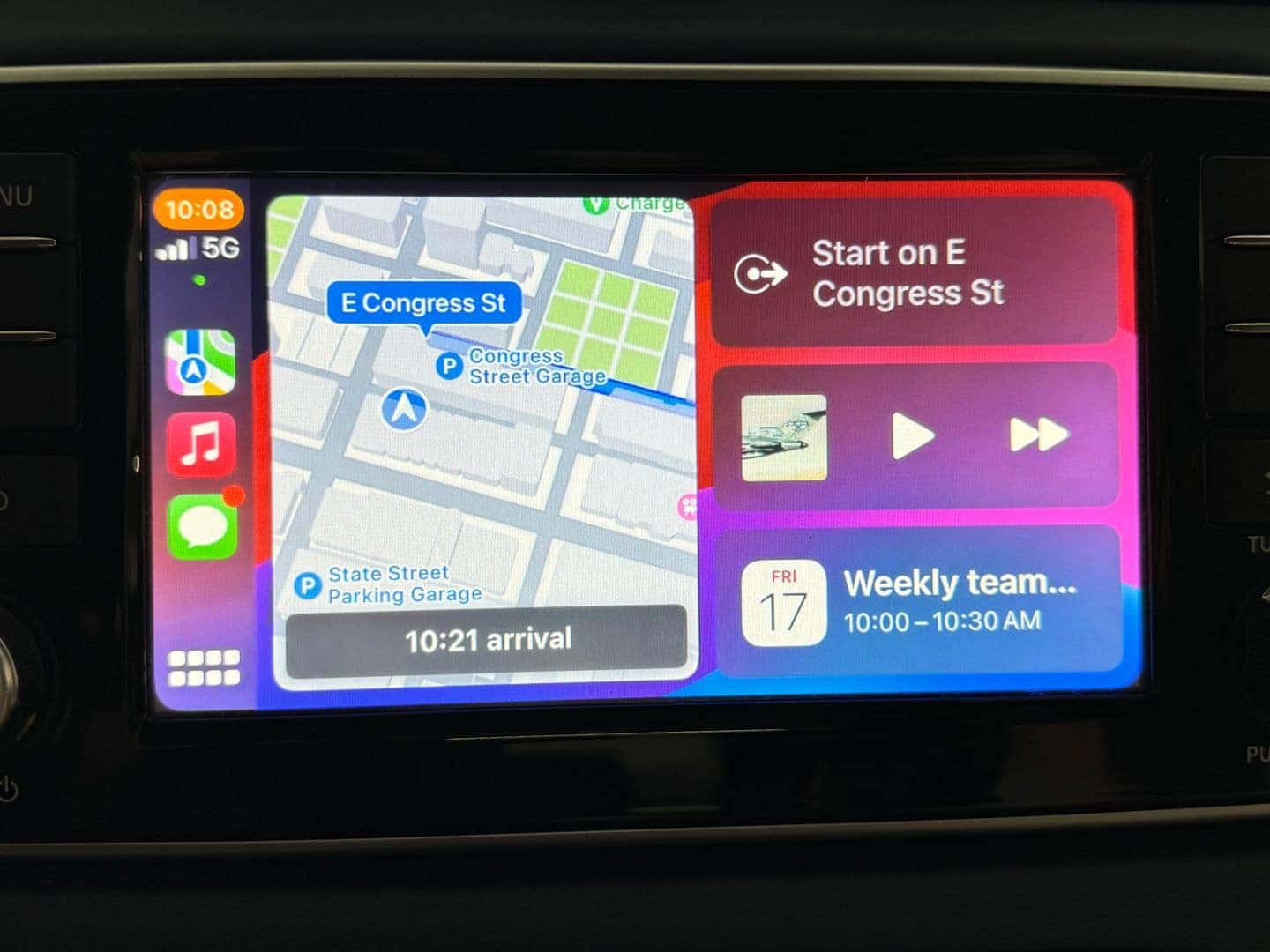
Apple CarPlay Not Working in Your Ford? Here’s What to Check
If Apple CarPlay is not working in your Ford, the problem may be as simple as a loose USB connection, an outdated iPhone, or a connectivity setting that needs to be reset. Before scheduling service, there are several quick troubleshooting steps you can try.
Ford vehicles equipped with SYNC® and Apple CarPlay are designed to make it easy to access navigation, phone calls, messages, music, and other compatible iPhone apps through the vehicle’s touchscreen. When CarPlay suddenly stops connecting, however, it can be frustrating.
Why Is Apple CarPlay Not Working in My Ford?
There are several reasons Apple CarPlay may not connect or may stop working properly, including:
- A faulty or damaged USB cable
- Your iPhone not being properly connected
- Bluetooth or Wi-Fi connectivity issues
- CarPlay being disabled on your iPhone
- An outdated version of iOS
- A SYNC software issue
- Your iPhone not being recognized by the vehicle
- A temporary connection glitch
The exact steps can vary depending on your Ford model, model year, and SYNC system.
Check Your USB Cable and Connection
If your Ford uses wired Apple CarPlay, start with the simplest possibility: the cable.
Try disconnecting your iPhone and reconnecting it with a high-quality USB cable. If possible, try another cable to determine whether the original cable is causing the problem.
You should also check the USB port for debris or visible damage. If your phone charges but CarPlay does not start, the issue may still involve the cable or data connection.
Make Sure CarPlay Is Enabled on Your iPhone
Your iPhone has settings that control which vehicles can use Apple CarPlay.
On your iPhone, check:
Settings → General → CarPlay
Select your Ford if it appears and make sure CarPlay is enabled. You can also try forgetting the vehicle and setting up the connection again.
If you use wireless CarPlay, make sure Bluetooth and Wi-Fi are turned on as well.
Restart Your iPhone and Ford SYNC System
Sometimes the connection simply needs to be restarted.
Turn your iPhone off and back on, then restart the vehicle. After the vehicle is running, reconnect your iPhone and give the SYNC system a moment to recognize it.
If CarPlay was working previously and suddenly stopped, restarting both devices can clear a temporary software or connection problem.
Check for iPhone and SYNC Updates
Keeping your iPhone and Ford’s SYNC system up to date can help prevent compatibility and connectivity problems.
Check your iPhone for available iOS updates. Depending on your Ford model and SYNC version, software updates may also be available for the vehicle.
Because SYNC systems vary by Ford model and model year, the appropriate update procedure can be different from one vehicle to another.
Try Reconnecting Apple CarPlay
If your Ford recognizes your iPhone but CarPlay will not launch, remove the existing connection and pair the devices again.
On your iPhone, go to Settings → General → CarPlay, select your Ford, and choose the option to forget the vehicle. Then reconnect your iPhone to the vehicle as if you were setting up CarPlay for the first time.
This can resolve connection problems caused by a corrupted or outdated pairing.
What If Apple CarPlay Still Doesn’t Work?
If you’ve tried another cable, restarted your devices, checked your iPhone settings, and reconnected CarPlay but the problem continues, the issue may be with the vehicle’s SYNC system, USB port, or another component of the infotainment system.
At that point, having the vehicle inspected can help determine whether the problem is software-related or requires a hardware repair.
Apple CarPlay Troubleshooting in Kalispell
If Apple CarPlay is not working in your Ford and basic troubleshooting hasn’t solved the problem, the team at Kalispell Ford can help diagnose the issue. A proper diagnosis can determine whether the problem is related to your iPhone, connection, SYNC system, or vehicle hardware.
For Ford owners in Kalispell, Whitefish, Columbia Falls, Evergreen, and throughout the Flathead Valley, getting the problem checked can help you get your vehicle’s connectivity features working properly again.
Frequently Asked Questions
Why won’t my iPhone connect to Ford Apple CarPlay?
A damaged cable, disabled CarPlay settings, outdated software, or a problem with the vehicle’s SYNC system can prevent your iPhone from connecting.
Why does my Ford say Apple CarPlay is connected but it doesn’t work?
Try disconnecting and reconnecting your iPhone, restarting both the phone and vehicle, and removing the Ford from your iPhone’s CarPlay settings before pairing it again.
Does Apple CarPlay work wirelessly in Ford vehicles?
Wireless Apple CarPlay availability depends on the Ford model, model year, and SYNC system. Some Ford vehicles use wired CarPlay while others support wireless connectivity.
Can a Ford dealership fix Apple CarPlay?
If troubleshooting does not resolve the problem, a Ford service department can diagnose potential issues with the vehicle’s SYNC system, USB ports, software, or infotainment hardware.
0 comment(s) so far on Apple CarPlay Not Working in Your Ford? Here’s What to Check